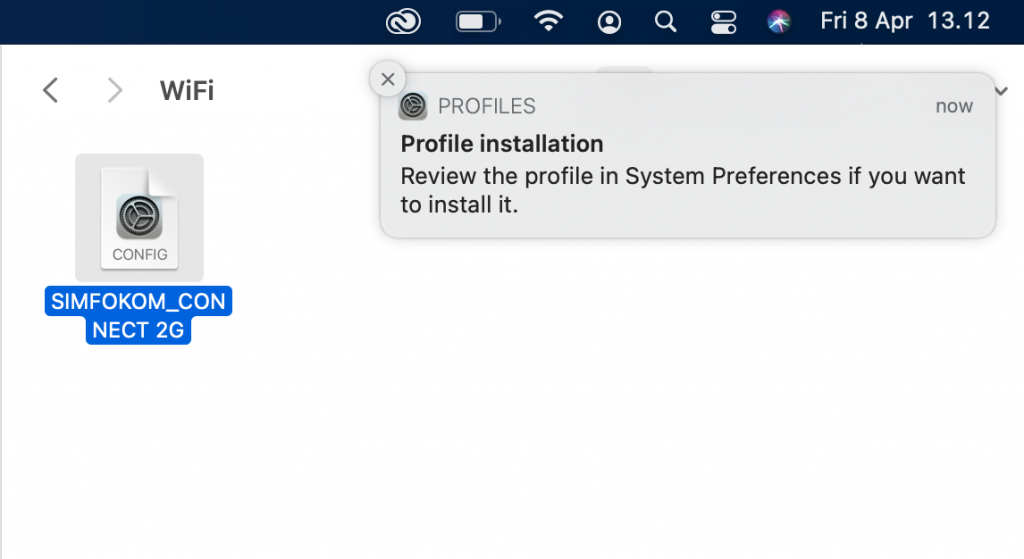
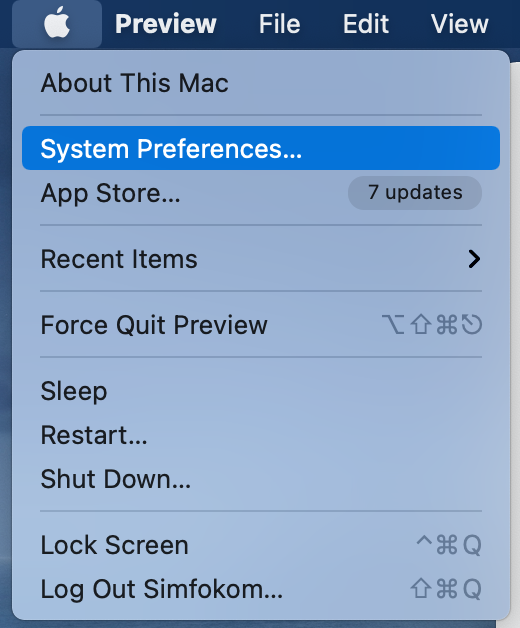
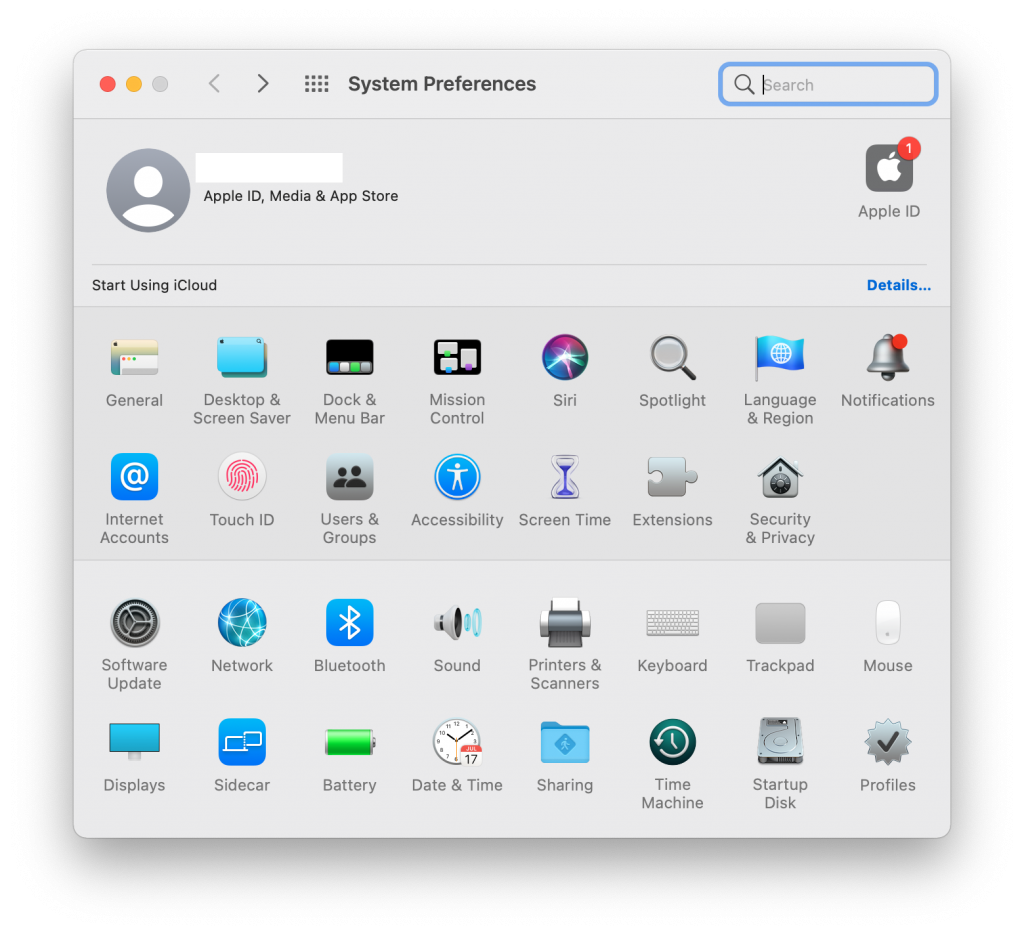
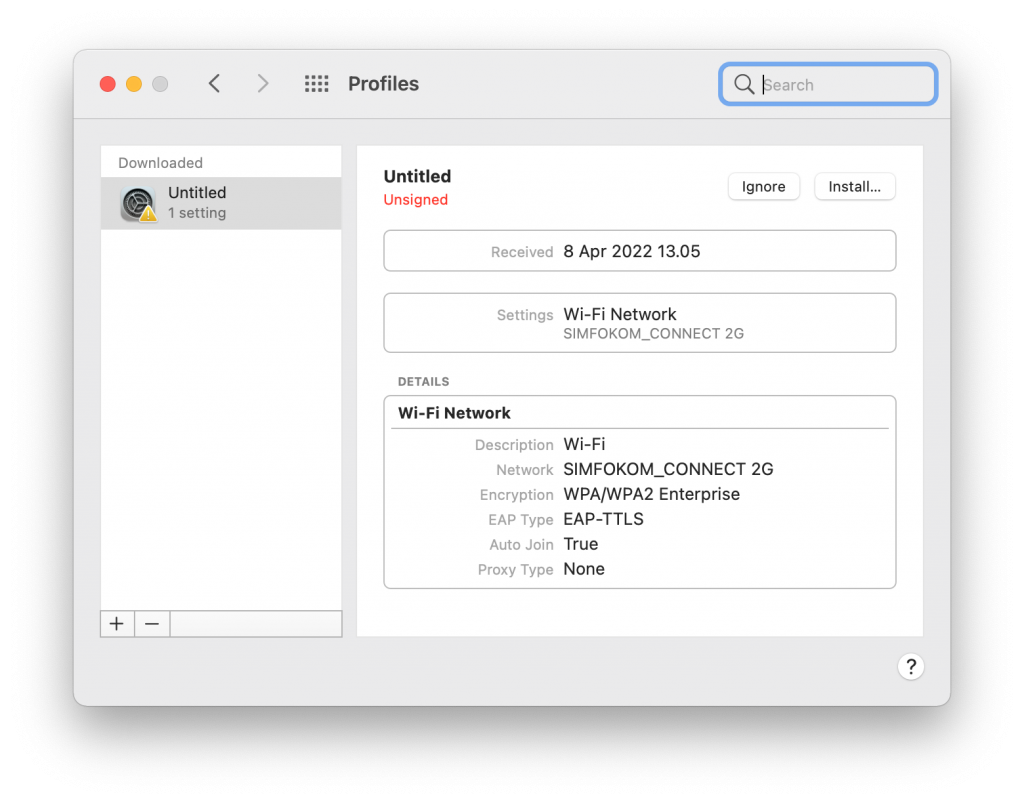
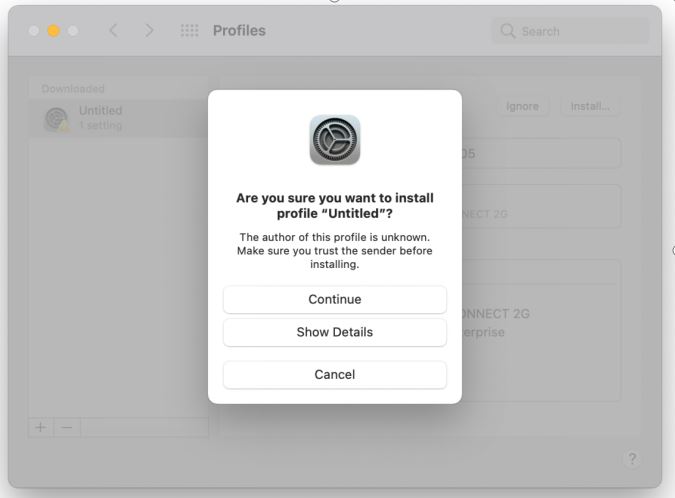
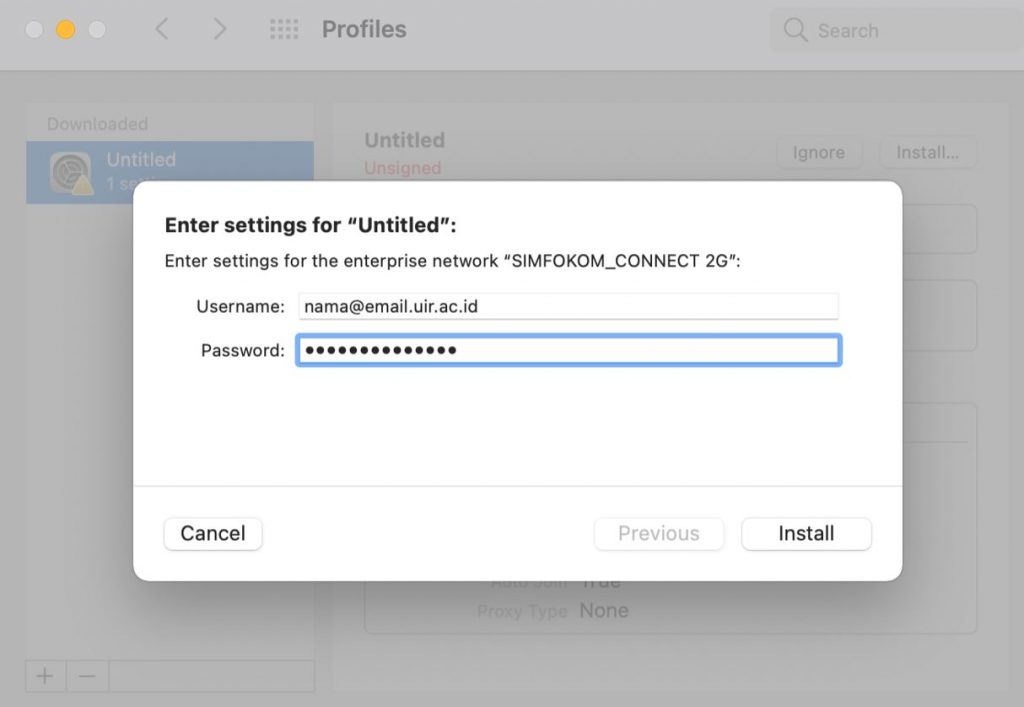
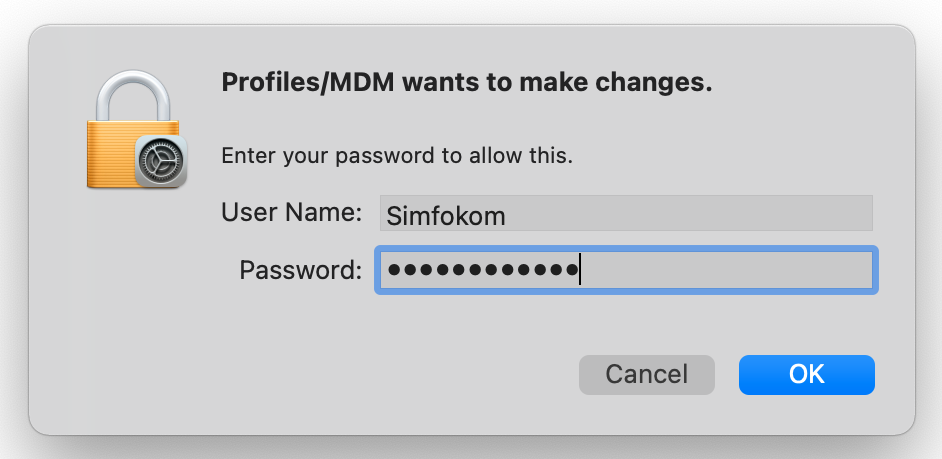
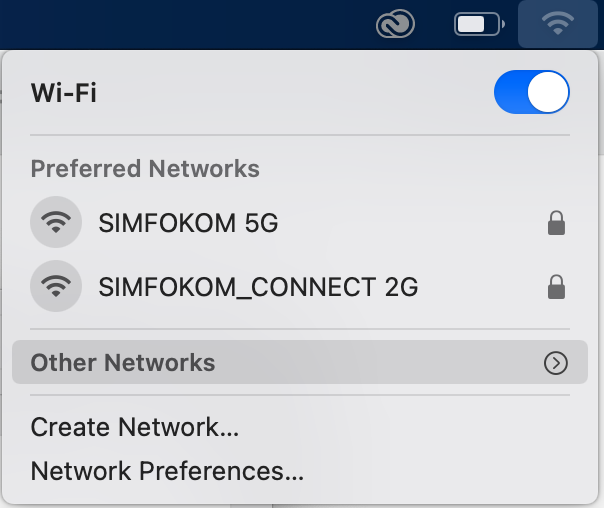
In this guide, the example Wi-Fi is SIMFOKOM_CONNECT_2G. To use Wi-Fi at UIR, please use UIR CONNECT 5G atau UIR CONNECT 2G. On MAC OS, there is an additional file that needs to be downloaded first.
1.Download File SIMFOKOM_CONNECT 5G and Open. To Download